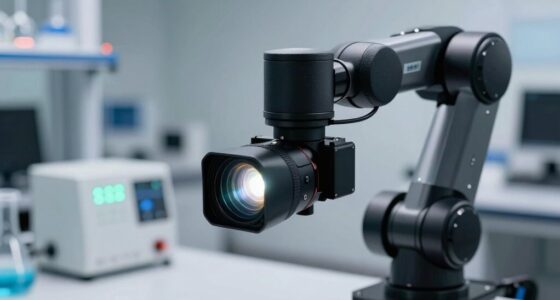

When choosing a microscope camera, you should check its resolution, sensor size, and image quality to guarantee clear, detailed images. Make sure it’s compatible with your microscope’s mounting system and software to avoid setup issues. Look at the frame rate and connectivity options for recording videos or live view. Also, consider your budget and future needs to get the best value. Keep exploring these points, and you’ll find the ideal camera for your needs.
Key Takeaways
- Ensure camera resolution and megapixel count meet your detail and documentation requirements.
- Verify compatibility with your microscope’s mounting system and supported software.
- Consider frame rate and connectivity options for your intended recording or live-view needs.
- Assess ease of use and software features for efficient operation and image adjustments.
- Balance budget with current and future imaging needs to select a cost-effective, suitable camera.
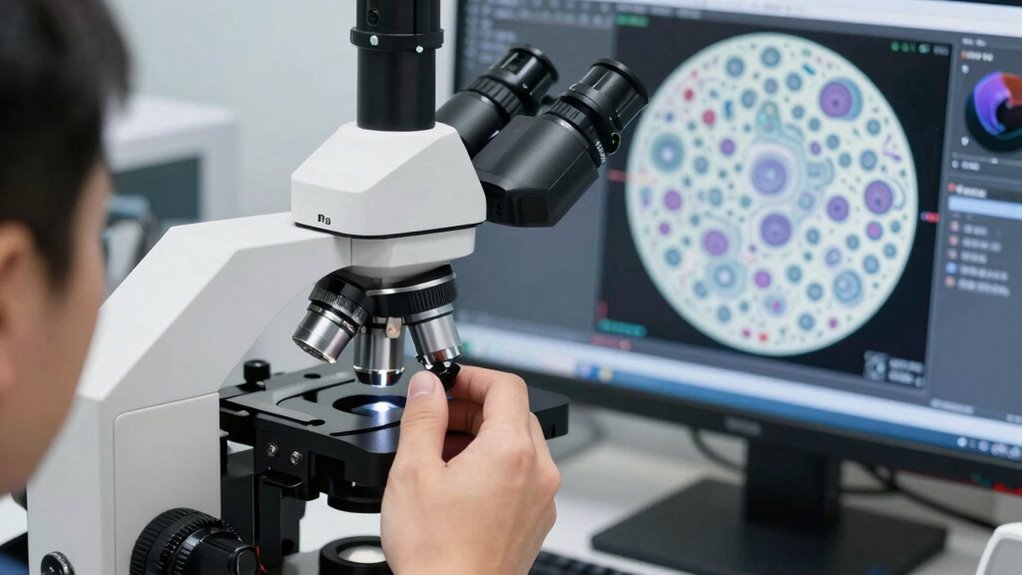
Choosing the right microscope camera can considerably impact the quality of your observations and research, but with so many options available, it’s easy to feel overwhelmed. One of the most critical factors to consider is image resolution. Higher resolution means more detail, allowing you to capture sharper, clearer images that reveal finer features of your specimens. If your work involves detailed analysis or documentation, investing in a camera with a high megapixel count is essential. Keep in mind that resolution isn’t just about megapixels; the sensor size and pixel density also influence image quality. A larger sensor with smaller pixels typically delivers better detail and color accuracy, especially in low-light conditions. Additionally, understanding sensor size and pixel density can help you evaluate image quality more effectively. Recognizing how sensor size impacts image quality can assist in making a more informed choice when selecting a camera. Moreover, being aware of sensor types and their characteristics can provide further insight into how different cameras perform under various conditions.
Choosing a high-resolution microscope camera enhances detail, clarity, and overall image quality for precise analysis and documentation.
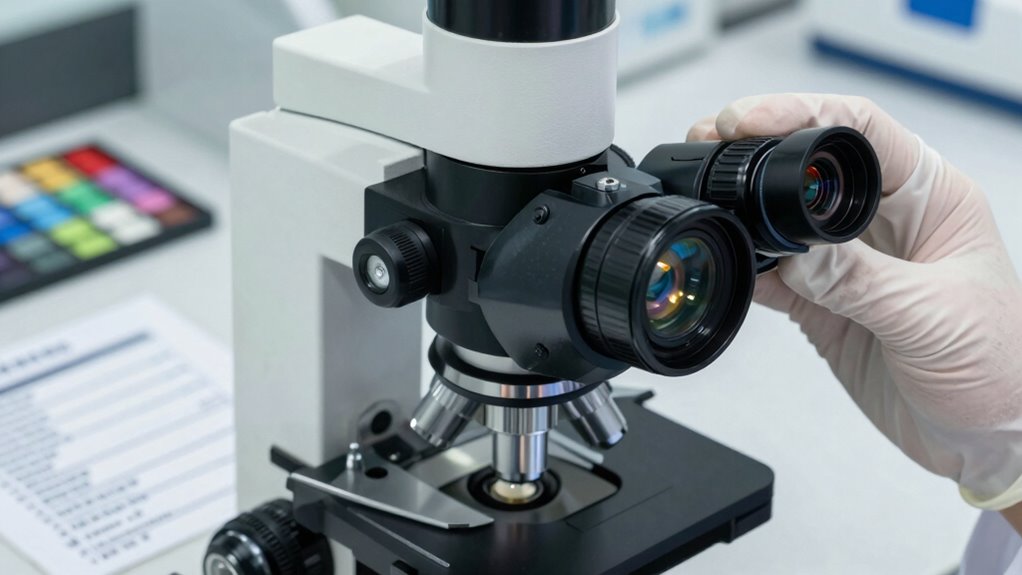
Another essential aspect is compatibility with your microscope. Not all cameras are universally compatible, so you need to verify that the camera can seamlessly attach or connect to your specific microscope model. Check whether the camera supports the type of mounting system your microscope uses, such as C-mount or other adapters. Compatibility also extends to the software; ensure the camera’s image capture and editing software work well with your operating system and are user-friendly. Some cameras come with dedicated software, providing better control over focus, exposure, and image adjustments, which can simplify your workflow.
Beyond resolution and compatibility, consider the camera’s frame rate, especially if you plan to record videos or perform live observations. A higher frame rate reduces motion blur and produces smoother footage, which is important for dynamic processes or time-lapse studies. Connectivity options are also worth examining—USB, HDMI, or Wi-Fi—depending on how you intend to transfer images or incorporate the camera into your setup. Ease of use matters too; a camera with a straightforward interface and ergonomic controls can save you time and frustration during sessions.
Finally, think about your budget and future needs. While it’s tempting to go for the highest specs available, balance your investment with your specific requirements. Sometimes, a mid-range camera with excellent resolution and broad compatibility offers the best value. Taking the time to research these aspects ensures your microscope camera enhances your work rather than limiting it. When you pay attention to image resolution, compatibility, and other key features, you’ll be well on your way to capturing high-quality images that support your scientific pursuits.

Wireless Digital Microscope, Skybasic 50X-1000X Magnification WiFi Portable Handheld Microscopes with Adjustable Stand HD USB Microscope Camera Compatible with iPhone Android iPad Windows Mac Computer
【WiFi & USB Microscope】This is a wireless handheld digital microscope that has been designed to work with your…
As an affiliate, we earn on qualifying purchases.
As an affiliate, we earn on qualifying purchases.
Frequently Asked Questions
Can I Upgrade My Microscope Camera Later?
Yes, you can upgrade your microscope camera later. When considering an upgrade, look for a camera with higher resolution to improve image clarity. Check if it offers compatible mounting options with your current microscope setup, ensuring easy installation. Upgrading can enhance your imaging capabilities without replacing the entire system. Just verify that the new camera matches your existing equipment’s specifications for seamless integration and best performance.
What Software Compatibility Should I Consider?
You should consider software compatibility to guarantee smooth operation. Check if the camera supports your existing software integration or if you’ll need new programs. Also, verify the supported file formats like JPEG, TIFF, or BMP to facilitate easy image sharing and editing later. Compatibility with your operating system is vital, so confirm the camera’s software works seamlessly with Windows, Mac, or Linux, depending on what you use.
How Important Is the Camera’s Brand Reputation?
Like a sturdy bridge, a reputable camera brand provides trust and stability. Brand trust matters because it reflects the manufacturer’s reliability and the quality you can expect. When you choose a well-known brand, you’re more likely to get consistent performance, good customer support, and timely updates. Skimping on brand reputation might save money initially, but it could lead to frustrations with poor quality or lack of service down the line.
Are There Specific Regulations for Scientific Imaging?
Yes, there are specific regulations for scientific imaging. You need to confirm your microscope camera meets regulatory standards like ISO certifications and adheres to certification requirements for accuracy and safety. These standards help verify your imaging equipment’s reliability and precision, especially in research and clinical settings. Always check if the camera complies with local and international regulations to ensure your work remains valid and legally compliant.
What Is the Typical Lifespan of a Microscope Camera?
You can expect a microscope camera to last around 5 to 10 years with proper care. A key factor is maintaining its image resolution, which can degrade over time if not preserved. Compatibility features also matter; cameras designed for easy upgrades tend to have longer lifespans. Regular cleaning and avoiding harsh conditions help extend the camera’s durability, ensuring you get the most out of your investment.

37MP 1080P 60FPS USB Microscope Camera Video HDMI Industry Microscope Camera with Conversion Adapter, 100-240V Digital Camera C Mount
Resolution: The HD video resolution is 37 MP, and the USB video resolution is 2 MP. USB connected…
As an affiliate, we earn on qualifying purchases.
As an affiliate, we earn on qualifying purchases.
Conclusion
Choosing the right microscope camera is like picking the perfect pair of shoes—you need comfort, fit, and purpose in mind. I once saw a researcher struggle with blurry images until she switched to a camera with higher resolution, transforming her work from frustrating to flawless. Remember, a good camera is an investment in clarity and precision. Take your time, check the specs, and soon you’ll be capturing details as sharp as a hawk’s eye.

AmScope 5.0 MP USB Still & Live Video Microscope Imager Digital Camera + Calibration Kit
5MP USB digital camera captures still images, streams live videos and is compatible with Windows XP/Vista/7/8/10
As an affiliate, we earn on qualifying purchases.
As an affiliate, we earn on qualifying purchases.

BTER Digital Microscope Camera, 4K HDMI Camera with Remote Control for Photo, Video, Lab, Industry Use
【HD DIGITAL CAMERA】This professional microscope camera is equipped with high definition multimedia interface 4K at 30FPS standard CS…
As an affiliate, we earn on qualifying purchases.
As an affiliate, we earn on qualifying purchases.